Digest #542 | Building with AI? Get Pro and join the community42
Hey folks,
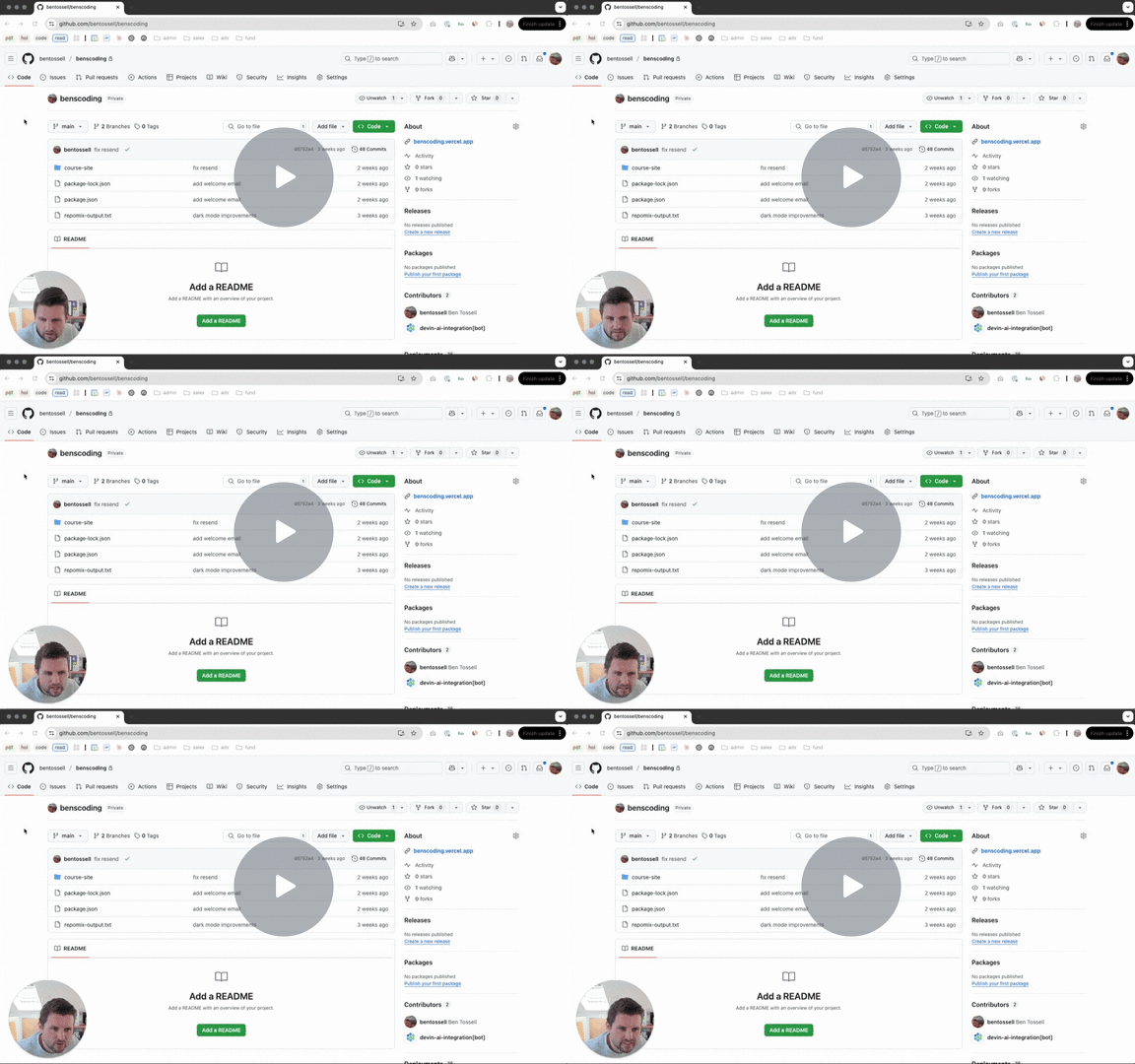
I recorded a video with accompanying post about Git & GitHub: for non-technical founders1,448. The essentials you need to know when using AI coding tools. Simplified!
 1,448
1,448ps. I’m also judging the $1M hackathon by Bolt176. I expect to see a lot of Ben’s Biters (is that what we call ourselves?)
TLDR; inside today’s newsletter
Gemini’s new unique feature, o1 Pro API
updates from Cursor and Windsurf
words from today’s sponsor: Memex
free preview of my post: Github for non-technical founders
tools, news and other posts
Want to partner with us? Click here42.
🔎 What’s trending
Gemini has two new features (again): Canvas and Audio Overviews235. Canvas brings an Artifacts-like preview within Gemini to collaborate with AI for writing and coding. Since it is Google, the output can be exported to Drive and Google Docs. Audio Overviews bring the hype of NoteBookLM, an AI podcast generated from your documents, to Gemini. Both features are available to all Gemini users.
NoteBookLM also got a new upgrade: you can now create interactive mindmaps451 from your documents.
The new Windsurf Tab134 upgrades next-line suggestions in the code editor with an enhanced context of your terminal (errors and results), clipboard (for copied information) and Cascade (Windsurf’s Agent). They say it’s for professional developers but I like it the same. Also, it’s unlimited for all users (just a bit slower in free plans).
Cursor added a MAX mode101 to use Claude 3.7 Sonnet in the app. MAX mode allows you to use max thinking, up to 200 tool calls and a 200k token context window. MAX mode is billed based on usage at $0.05 per prompt and tool call.
Update alert: Memex's148 desktop AI Builder is now 50% more efficient! New features include pre-paid credit packs and Privacy Mode. Still the perfect blend of Manus AI and Cursor, but now more powerful. Build anything, on any stack, from APIs to ML models. Try with code 'BB'!*
*sponsored
👀 GitHub & Git: for non-technical founders

If you've ever nodded along when developers mentioned "pushing to main" or "creating a pull request" — while secretly having no idea what they were talking about — you're not alone.
GitHub sits at the centre of nearly every tech project, but remains a mysterious black box for many non-technical founders. And that knowledge gap is costing you.
In this post:
Watch me do it step-by-step in the video below where I demonstrate setting up a GitHub project and using Git commands
The real-world translation of GitHub jargon that developers assume everyone understands
A step-by-step system for going from complete GitHub novice to confidently managing your tech projects
The exact workflow used by successful non-technical founders to deploy their first websites
Critical mistakes that cause communication breakdowns between founders and developers (and how to avoid them)
A practical reference guide with essential GitHub terms and Git commands explained in plain English
What is GitHub
Let's simplify what GitHub actually is.
Think of GitHub as a super-powered Google Docs for code. That's it.
Google Docs lets multiple people edit documents simultaneously and keeps a history of changes. GitHub does the same thing for code, but with extra safeguards to prevent people from breaking things.
Ever restored an old version of a Google Doc after someone made unwanted changes? GitHub does that for code, but with industrial-strength controls that make it nearly impossible to lose your work.
Why GitHub matters for non-technical founders
As a founder building with AI coding tools, GitHub fundamentals let you:
Store and organize AI-generated code securely
Track changes across multiple AI sessions
Experiment freely without breaking what works
Deploy independently without developer assistance
Version control systems like GitHub are essential tools that help transform AI code suggestions into actual products you can deploy and control.
The GitHub workflow for absolute beginners
1,448Read the full post and watch the video here →1,448
⚙️ Tools and news
Arcee Conductor:91 Intelligent routing between SLMs/LLMs. First time users get 400M free token usage. Up to 99% savings per prompt. Try today!*
o1 Pro46 is now available in OpenAI’s developer API. It costs $150/$600 for 1M input/output tokens. That’s 10x the pricing for o1.
PicPrompter127 makes editing pictures easy with just simple prompts. Use code “BEN” for 50% off the first month. Also see, Autodraft90 - an AI animation tool for YouTubers.
Not all AI coding is vibe coding160. Building with vibes without caring about the code has its place. So does using AI for writing code responsibly. Simon goes over the cons of confusing the two and some tips.
Create172 opens beta invites for its new feature: building full mobile apps with just prompts.
AI SEO, LEO, or whatever you wanna call it, is grabbing everyone’s attention. A new tool I found, Superlines187, helps you track your placement in AI responses and get better at it.
Codegen79† is a new SWE agent that you can use from Slack. It creates new code, debugs and works with GitHub. You just text it like you’d text engineers on your payroll.
AMT74 claims you can partner with 100x more creators with Lyra, their influencer marketing agent that does it all. I’m sceptical. Aha70, another influencer marketing app, gives you 3 task-specific tools (with cute avatars)—for creative work, constant emailing, and data reporting.
Diamond82 is Graphite’s (popular enterprise AI coding tool) take at an agent that can review code.
Coding with AI has some common blindspots. This post complies a few of them, so the next time you face these, you won’t keep yelling at the AI in caps.
Our free newsfeed for more →66
*sponsored
That’s it for today. Feel free to hit reply and share your thoughts. 👋
Enjoy this newsletter? Please forward to a friend.
Building with AI? Get Pro, join our Slack26 and connect with fellow builders.
Want to advertise in this newsletter? Click here42.
BB Digest: GitHub simplified
PLUS: AI news and tools for builders
Most clicked in this issue
2,057 readers clicked at least once. 27 links, 26 with clicks. Heat is relative to the most clicked link in this issue.
Beehiiv · digest